WAV recording
Uncompressed 16-bit PCM files for saving, sharing and further editing.
Guitar looper for Android
Record, shape your sound, and save your next idea. A looper, effects pedalboard, tuner and metronome — together on Android.
Free to download. Contains ads and in-app purchases.
Your practice space. Wherever you play.
See it. Hear it.
Record. Add effects. Play it back. Save and share.
Watch the short ↗
Made for the moment
From a first riff to a sound worth keeping. Get to know the tools inside your pocket-sized practice space.
The looperCatch it before it disappears
Record a phrase, let it loop, and play along. Explore a melody over a rhythm part or work on the same tricky passage until it feels right.
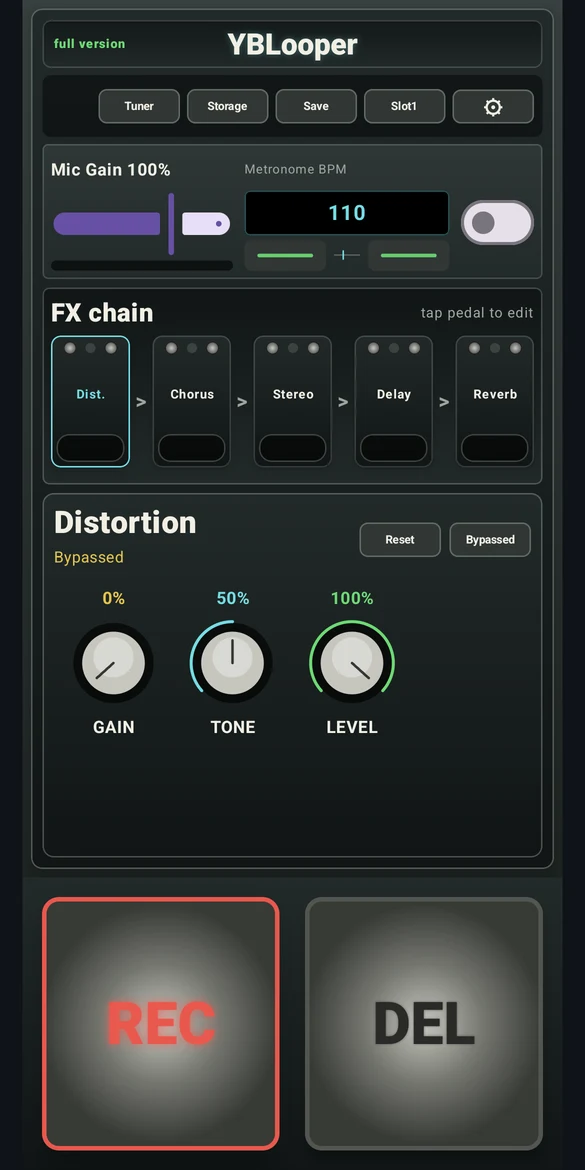
Your effects pedalboardFind your feel
Give your practice sound a different character with distortion, chorus, stereo widening, ping pong delay and reverb. Select an effect, adjust its controls and hear where the idea takes you.
Explore effects in the app. The website shows the interface; it does not process audio.
 Tune up. Set the tempo.
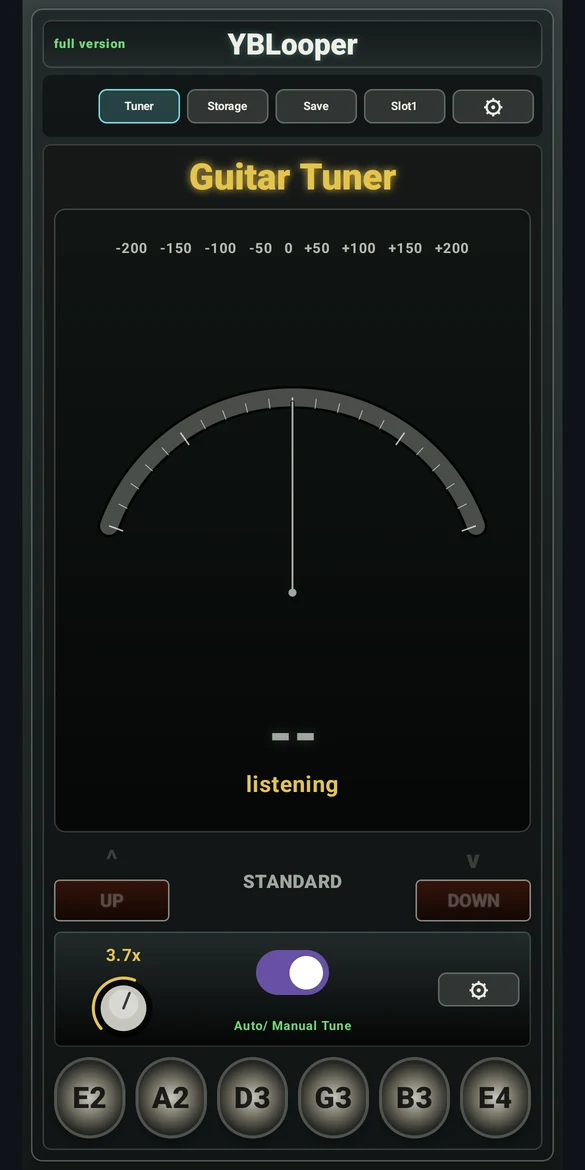
Start in tune. Stay in time.
Keep a guitar tuner and metronome within reach. Tune one string at a time, choose your tempo, and use a recording count-in to get ready before the first note.
 Keep the take
From phone to next session
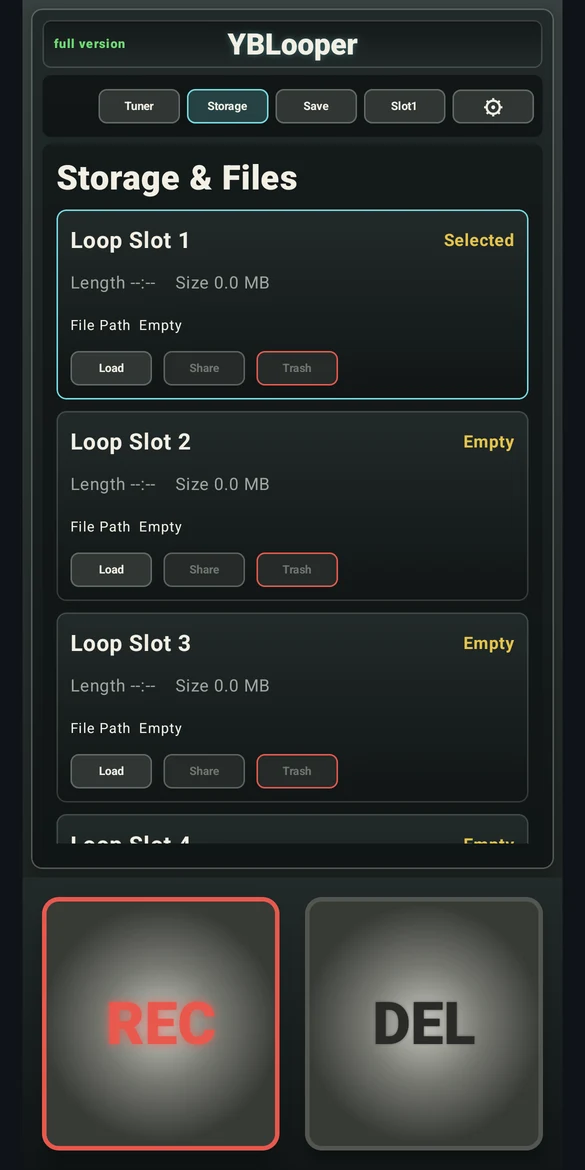
Save and share your recordings as uncompressed 16-bit PCM WAV files. Keep an idea on your device, send a take to a bandmate, or import the file into your DAW for further editing.
Keep the session moving
A straightforward workflow that leaves room for the part that matters: playing.
Set a comfortable tempo and capture a phrase you want to hear again.
Try the effects, listen back and practice a new part against your loop.
Save your idea to a loop slot so it is ready for your next session.
Send the WAV file to someone you play with, or develop it in your DAW.
Built around your practice
YBLooper is a guitar looper app for Android that brings recording, effects and essential practice tools into one familiar pedalboard layout.
Capture a chord progression. Work on your timing. Record a vocal melody to revisit with a teacher. Keep a musical sketch close, even when you are away from the studio.
Uncompressed 16-bit PCM files for saving, sharing and further editing.
Tempo, count-in, metronome volume and loop trim controls for your session.
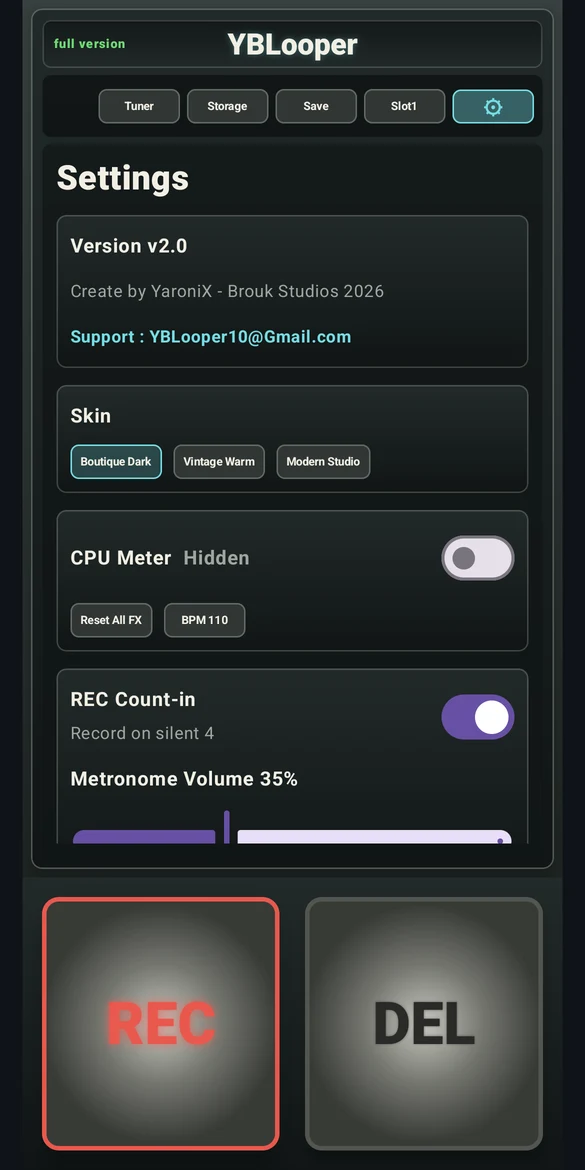 A closer look at settings
 A good place to start
Build a repeatable rhythm part, leave space for a melody, and make timing part of your routine.
Read the guide Recording guideSave a take, share the original file and bring your musical sketch into a DAW.
Read the guideYBLooper is available on Google Play for supported Android devices. Open the store listing to check compatibility with your phone. An iPhone version is not currently available.
Yes. YBLooper is free to download and contains ads and an optional Full Version purchase through Google Play. Some features depend on the active app mode. Check the app for the current unlock options and the price in your region.
Yes. Save your loop, then use Share in Storage to send the uncompressed 16-bit PCM WAV file to your computer or another app. You can import it into a DAW that supports WAV. Read the export guide.
Recordings are saved on your device. You decide when to share a saved file through another app. Advertising and purchase services have separate data practices, described in the privacy policy.
Yes. You can use the recording workflow to capture vocal melodies and other musical ideas. The built-in tuner and its tuning presets are designed around guitar.
No. You can explore the app and read the guides without signing up. Downloading and purchases are handled through Google Play.
Ready when inspiration is
Take your practice space with you.
Get on Google PlayAndroid · Contains ads · In-app purchases